
Zenopix FELIX PRO · Free app
Bluetooth DMX/SPI LED control with a mobile app
The free Felix Pro app pairs your phone with Zenopix Felix Pro Bluetooth DMX/SPI controllers. Set colors, play animations and sound-reactive effects, and test your LED wiring, with no control panel or computer.
iOS and Android · Bluetooth Low Energy
12
Built-in animations
5
Sound-reactive effects
4
Controllers at once
DMX + SPI
Outputs
How it works
From pairing to the show
01 · Connect
Pair your controllers
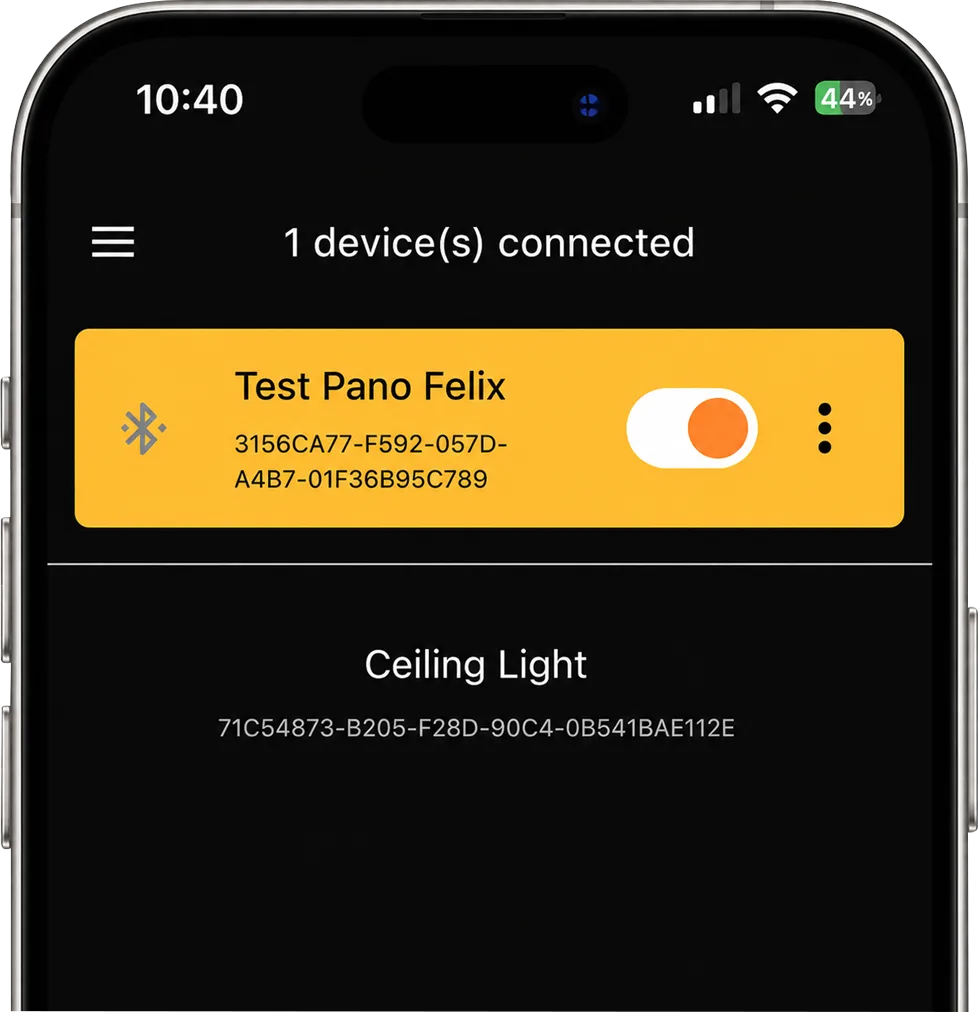
Once Bluetooth is enabled, you can add devices by tapping + on the My Devices screen. The app scans for nearby Felix Pro controllers, and the name, model and connection status of each added device are shown in the list. You can then start using your devices by selecting Control devices.
- Control up to 4 standard Felix Pro controllers together, with the same LED type and pixel count
- SD card Felix Pro models are controlled one at a time
02 · Set up
Tell Felix Pro about your LEDs
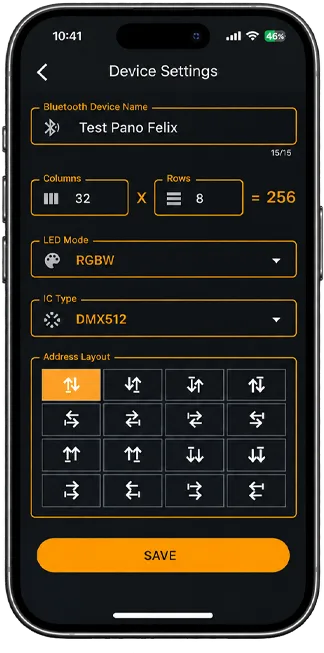
On the Settings screen, you can specify the device name, the number of pixels in rows and columns, the color order (such as RGB, RGBW or GBR), the DMX or SPI IC type and, for matrix panels, the address layout.
- Order test lights the LEDs one by one, as a panel or in cable order
- Light each color in turn to find dead pixels
- A live pixel map previews the result
03 · Light
Pick a color in a second
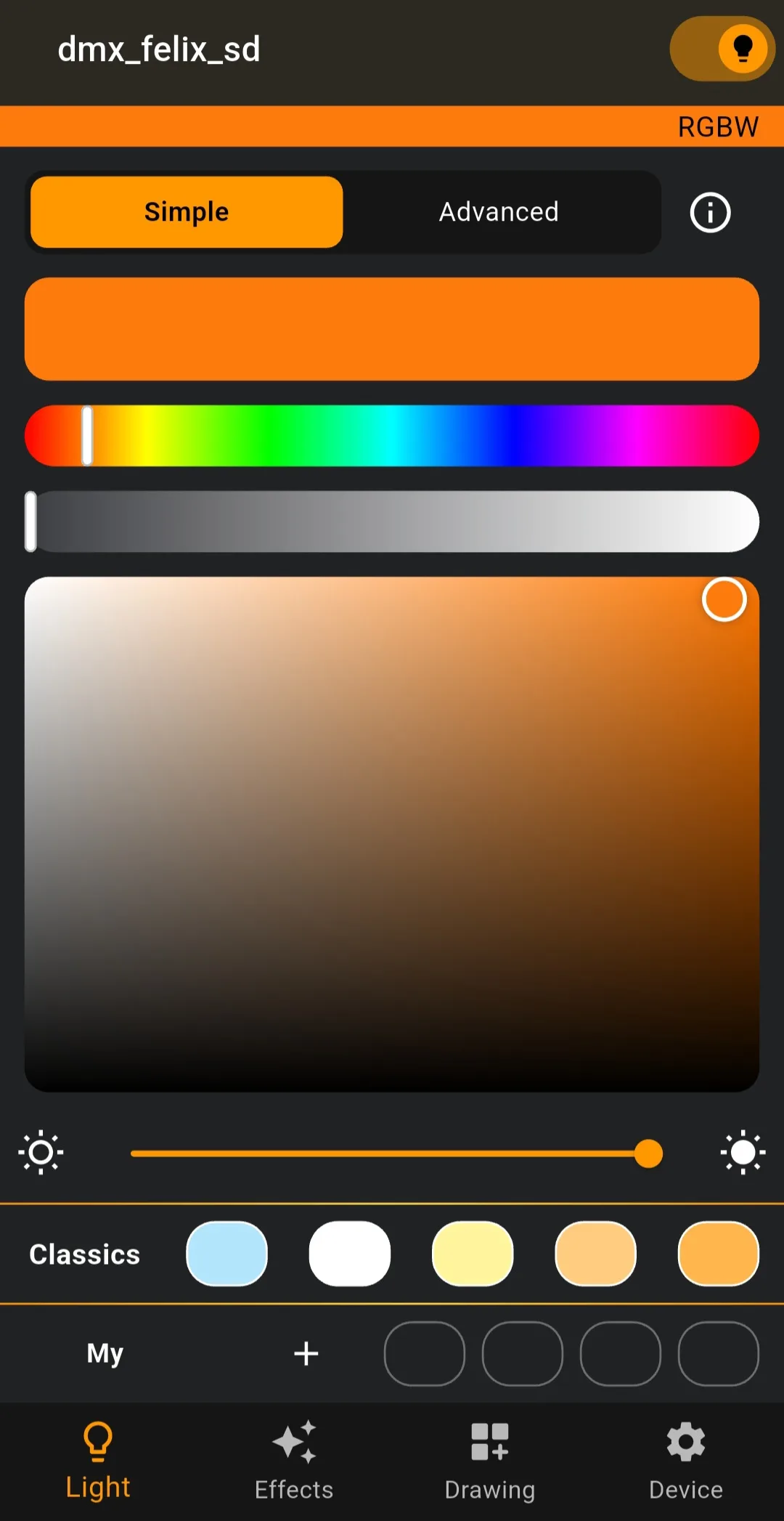
Simple mode lets you adjust color and brightness quickly and easily. Advanced mode provides a separate 0-255 slider for each channel for precise control. You can also save your favorite colors and recall them with a single tap.
- RGB, RGBW, RGBWC, tunable white and single-channel LEDs
- Classic colors and your saved colors
- Changing modes keeps the color you chose
04 · Animate
Animations and sound-reactive effects
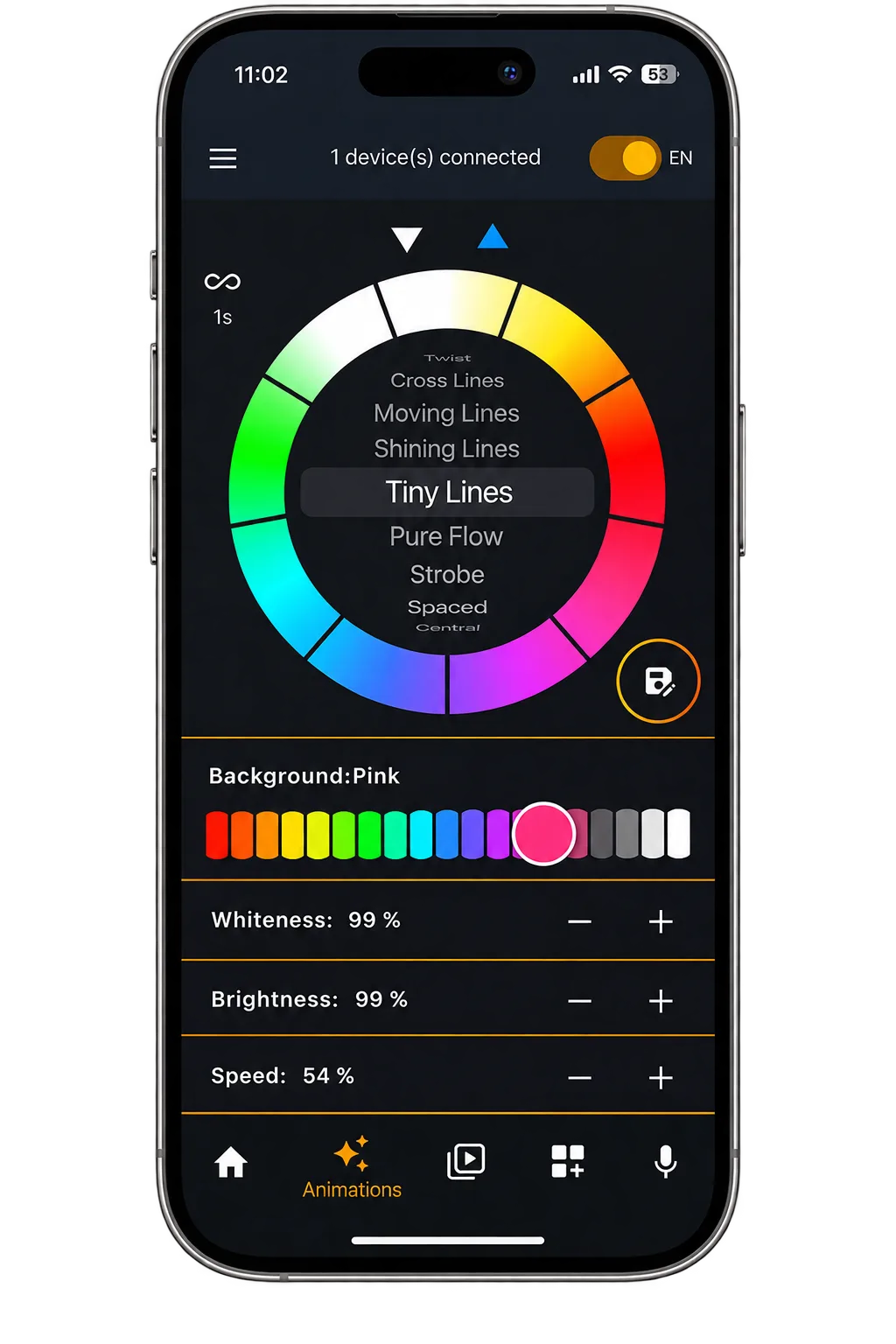
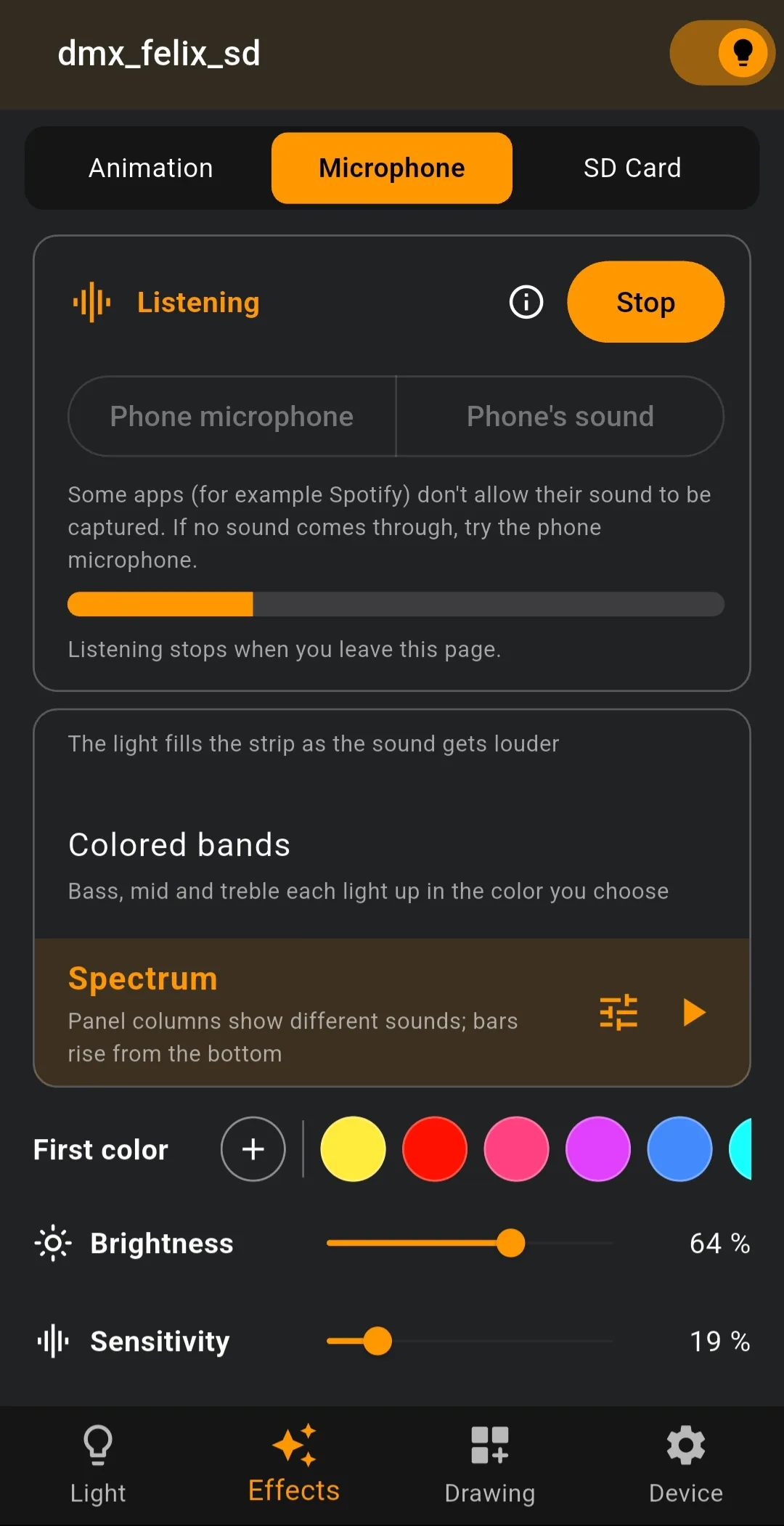
Felix Pro offers 12 built-in animations, from Breath and Wave to Fire, Candle and Sunrise, which you can play with your own color, speed and brightness settings. You can save your animations to a playlist stored on the device and play them in a loop in the order you choose. With microphone-based effects, your lighting can respond to music in real time.
- 5 sound effects: Pulse, Level, Color dance, Color bands and Spectrum
- Listen through the phone microphone, or take the phone's own audio on Android 10 and later
- SD card models play animation files from the card
The controller
Felix Pro Bluetooth DMX/SPI Controller
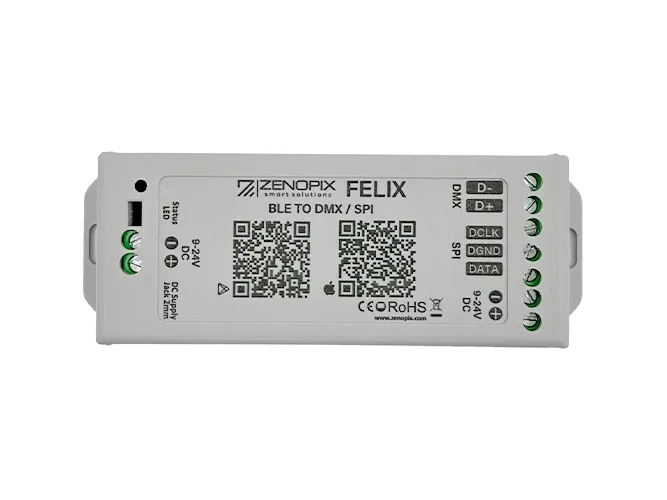
Felix Pro is a compact controller that receives Bluetooth commands from the mobile app and drives your LEDs over DMX or SPI. In addition to the data signal, its SPI output also provides a clock (CLK) line.
- Up to 1,024 DMX and 2,048 SPI channels
- Single color, RGB, RGBW and RGBWC
- 7-24 V DC input, wall mounting
- Status LEDs for connection, update and error
Get the free Felix Pro app
Download Felix Pro for iOS or Android, pair your controller and start in minutes.
