
Zenopix Explorer
RDM management for your whole lighting network
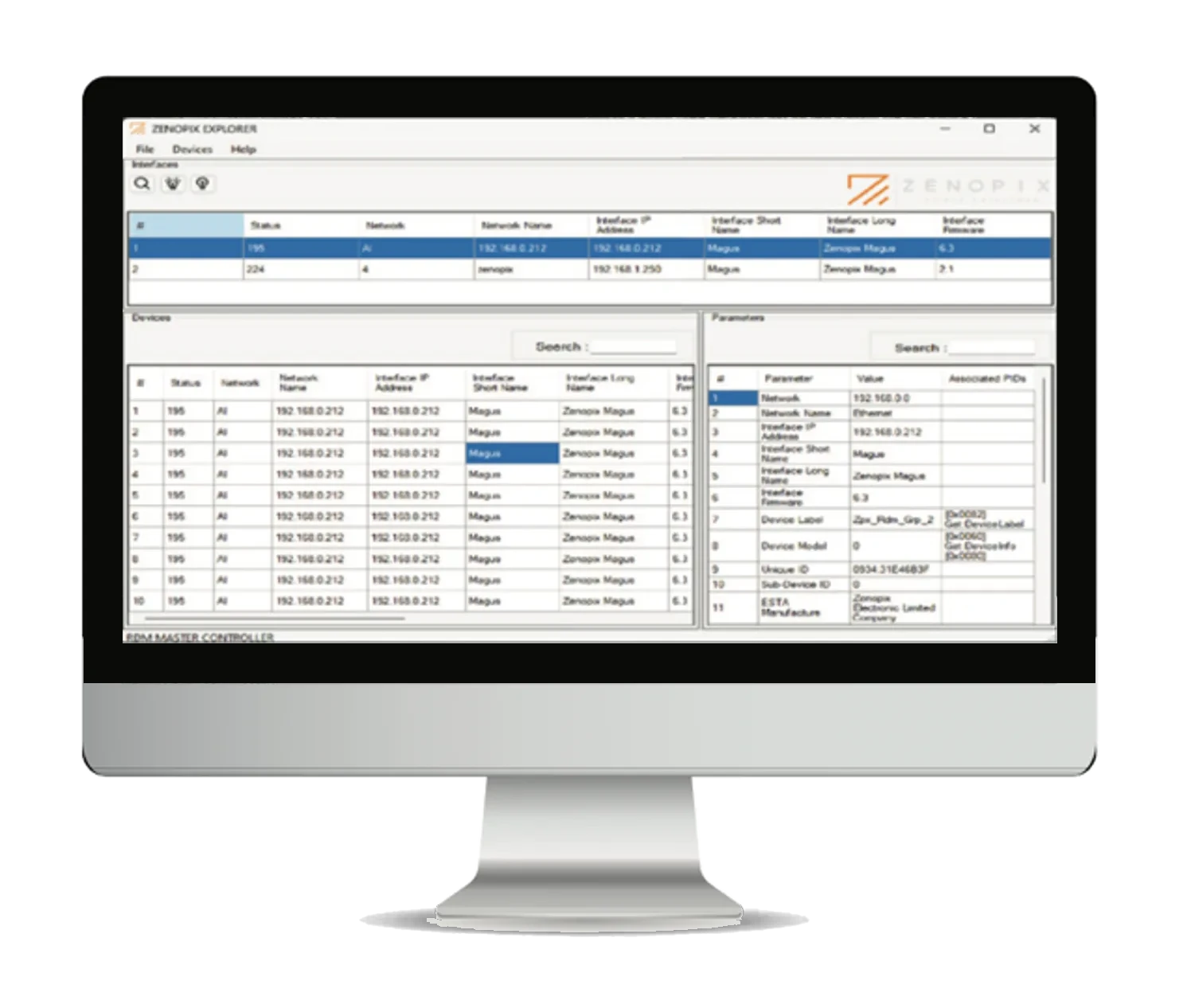
Find every RDM device on the network, set its parameters, address it automatically and watch its sensors, all from one desktop program that works with Zenopix Magus.
Free desktop software · works over Ethernet with Zenopix Magus
RDM
Device discovery
Get/Set
Standard and custom PIDs
Auto
DMX addressing
Live
Sensors and logs
How it works
Four steps, one program
01 · Discover
Find every device in seconds
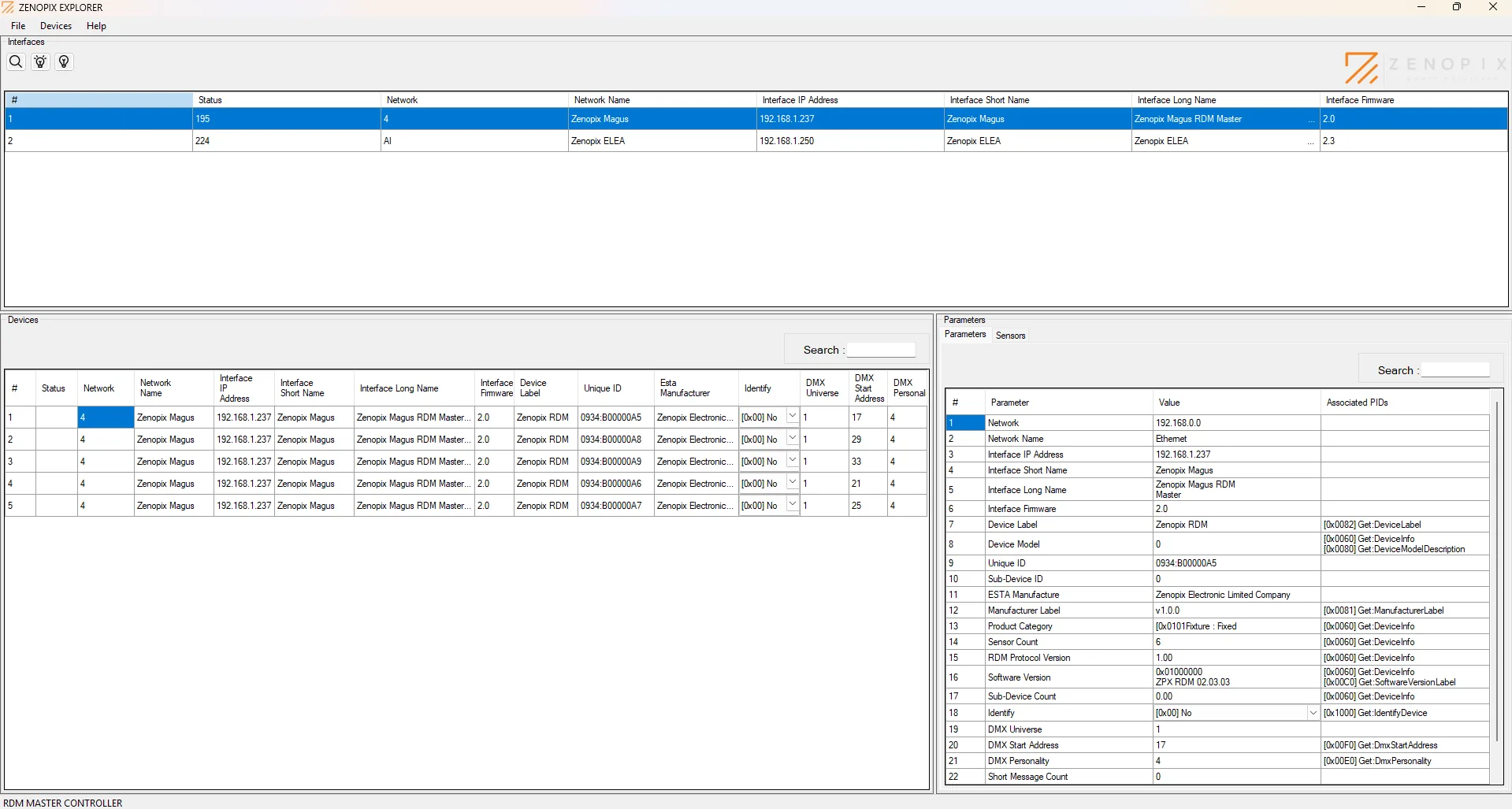
Scan the selected interface and list every RDM device with its UID, ESTA manufacturer data, DMX universe and start address. Use Identify to find a device on site.
02 · Configure
Set every parameter
Read and change device labels, sensor counts, software versions and DMX personalities in the Parameters panel. Standard and custom PIDs both work through Get and Set.
03 · Address
Address hundreds of fixtures automatically
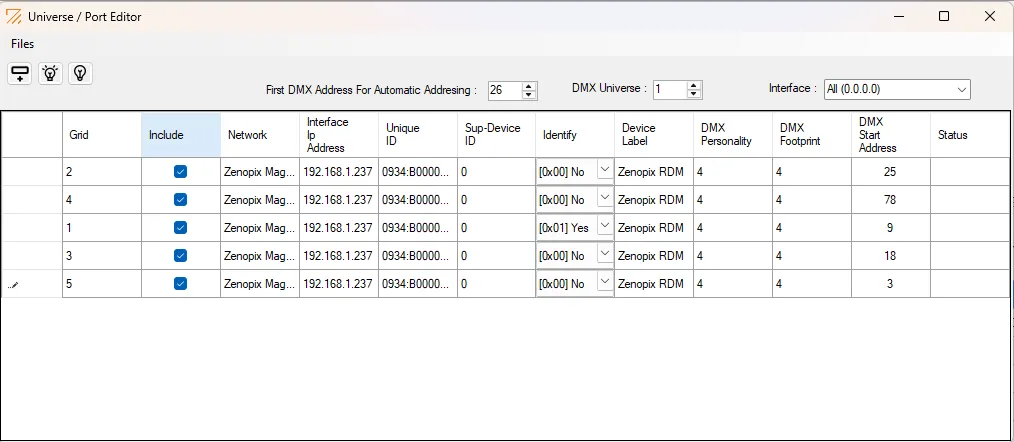
The Universe / Port Editor sorts devices by their place in the project and addresses them in sequence. It reads each device's DMX footprint, so 4-channel fixtures continue as 1, 5, 9, 13 with no conflicts.
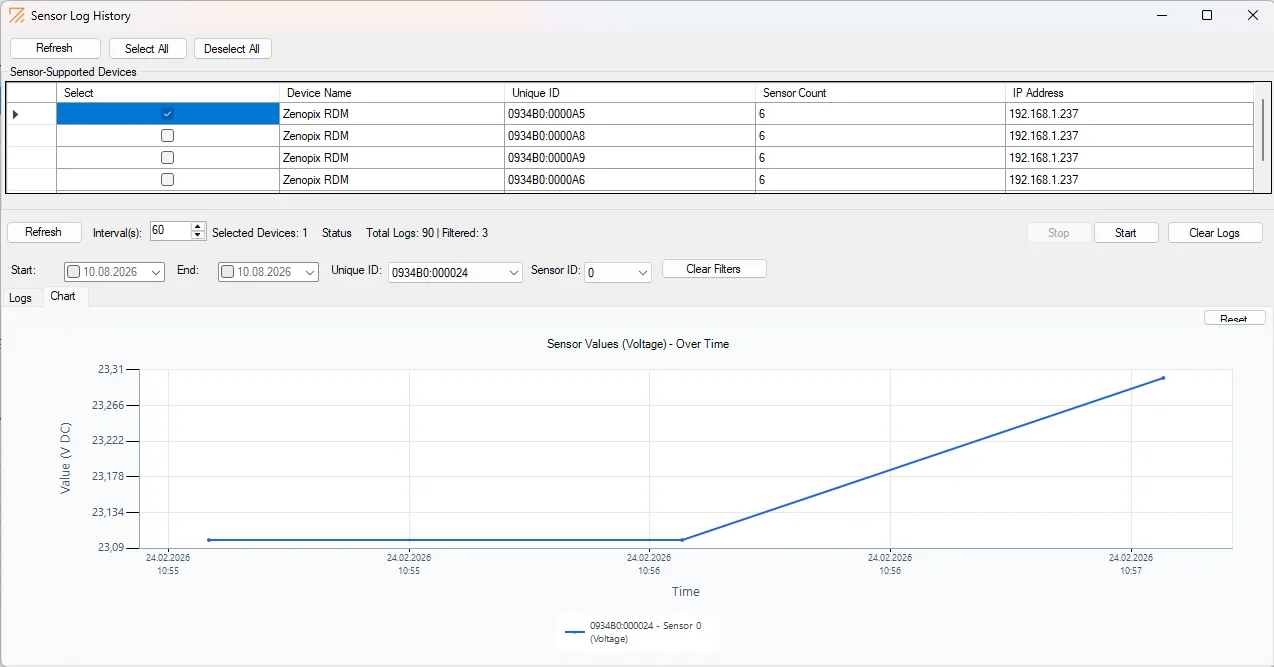
04 · Monitor
Watch the health of every fixture
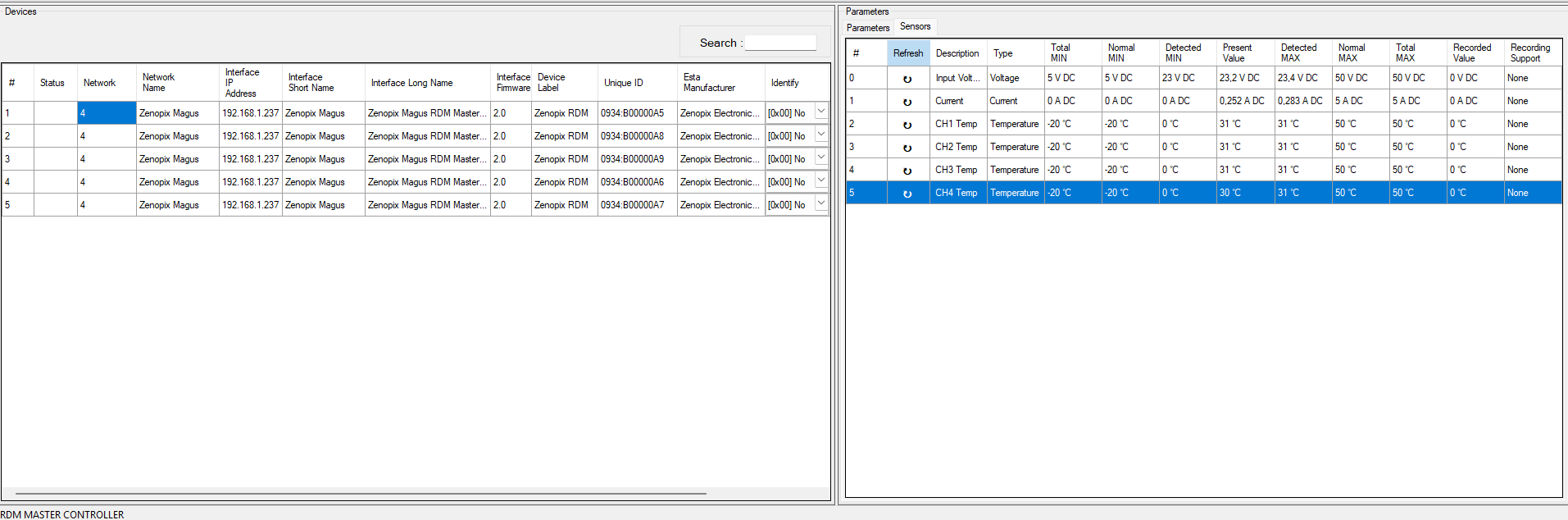
Read input voltage, current and channel temperatures live, compare them with each device's limits, and log them at your own interval. Line charts and filters by date, UID or sensor show voltage drops and overheating before a failure.
Explorer and Magus
Configure the network you installed.
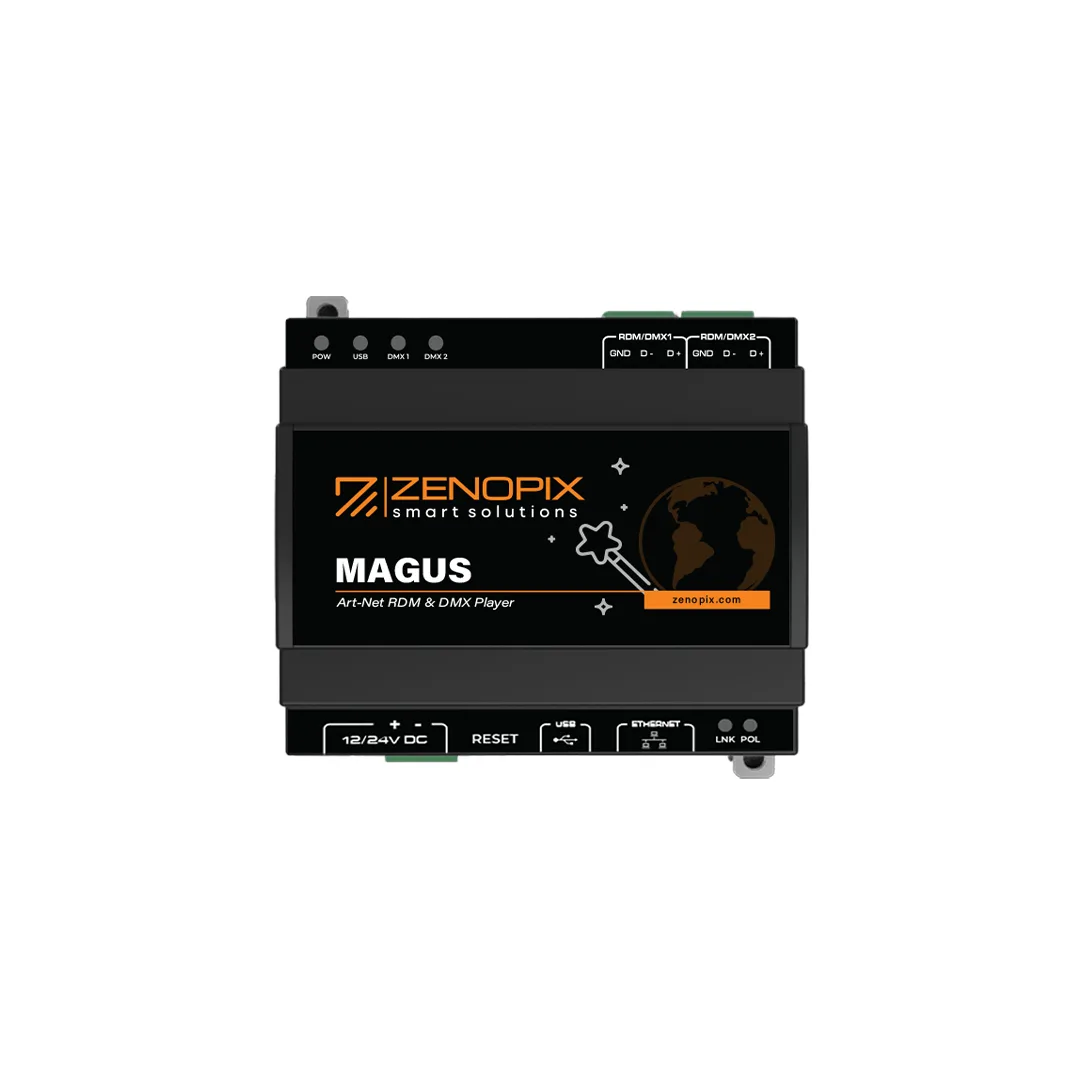
Zenopix Magus carries RDM inside Art-Net. Connect Explorer to Magus to reach every RDM decoder and fixture on the line: address them automatically, change their settings and read their sensors, without climbing to a single fixture.
Download Zenopix Explorer
Explorer is free to download. Our team can help you set up Magus and Explorer on your project.
