
Zenopix NEO V3
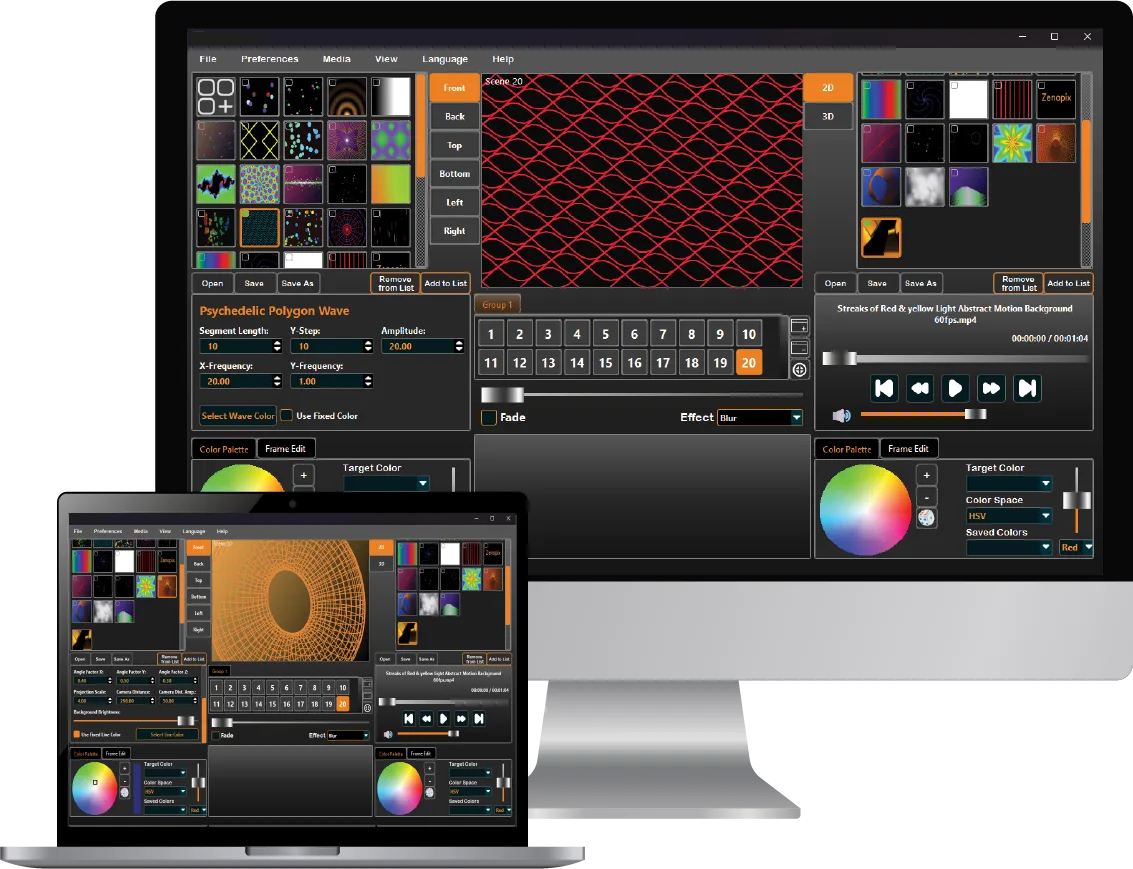
Lighting design, animation and control in one program
Zenopix NEO takes you from the first patch to the live installation: lay out your fixtures, build animations, simulate the result and send it out over Art-Net.
For Windows · includes a free license for 2 universes
110+
Parametric animations
2D & 3D
Patch and preview
2
Free universes
AI
Night atmosphere
How it works
Four steps, one program
01 · Design
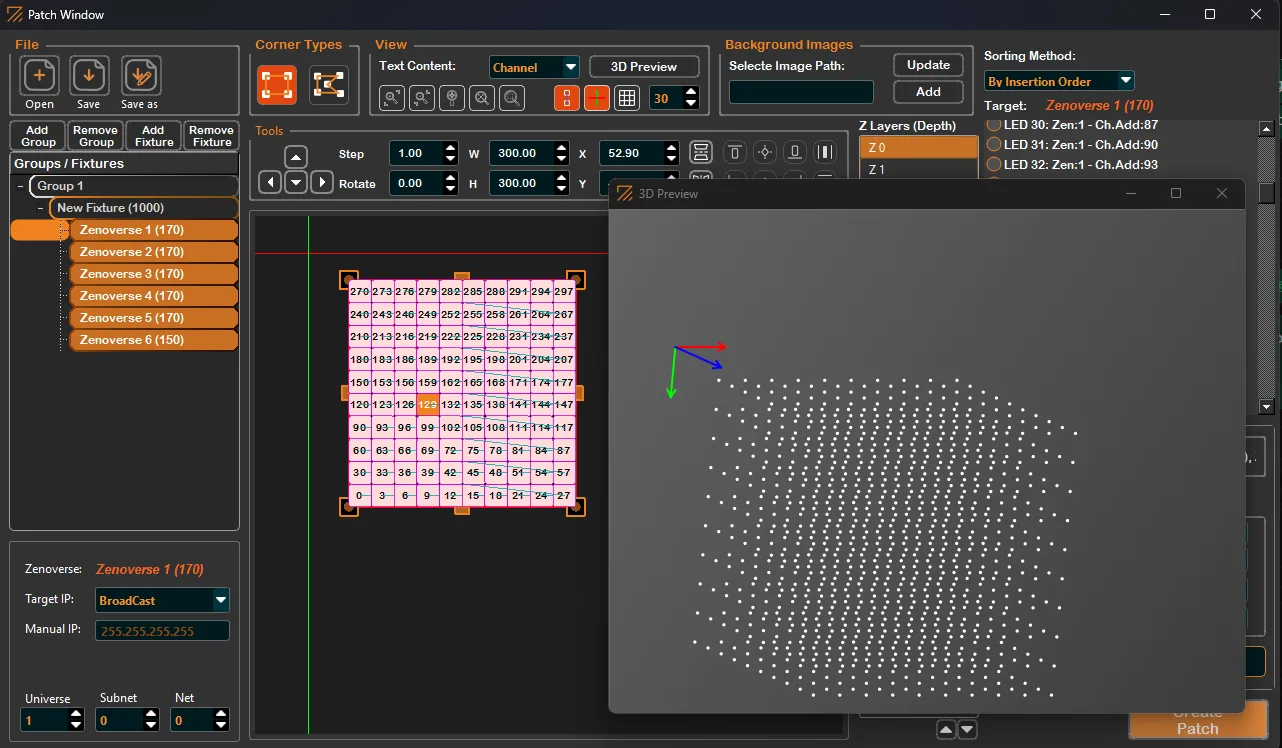
Patch your fixtures
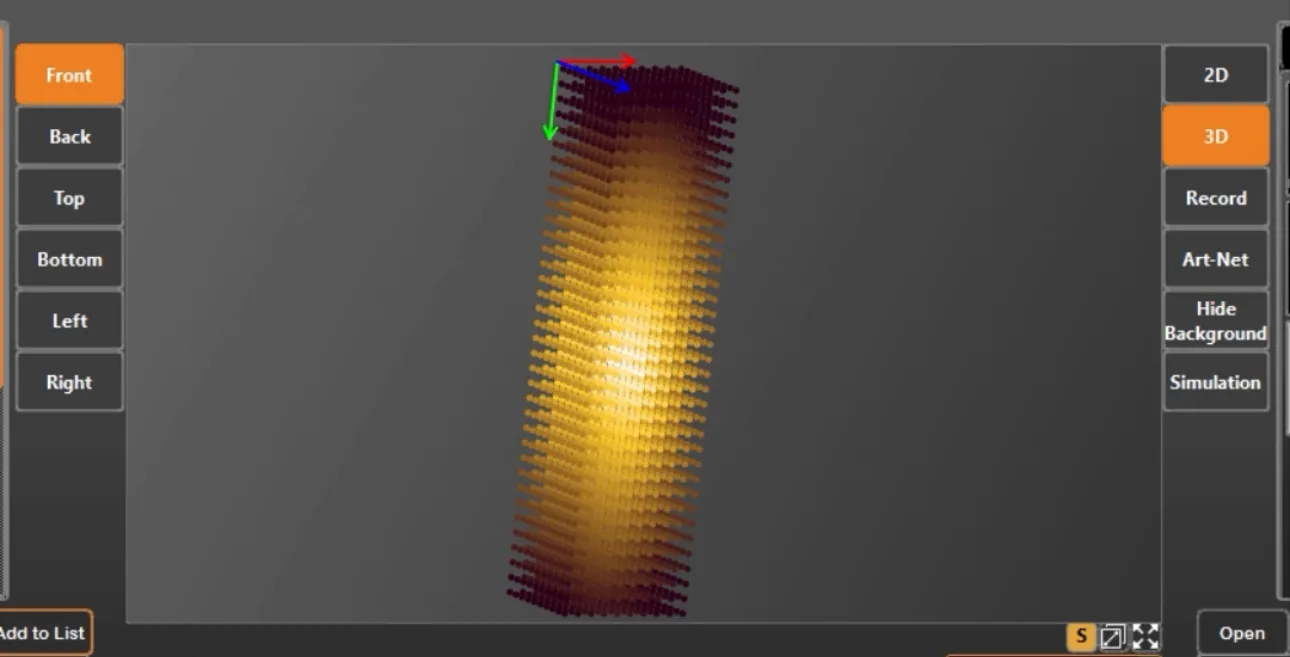
Lay out fixtures and universes with practical tools and a real-time 2D and 3D preview, so designs come together quickly.
02 · Light
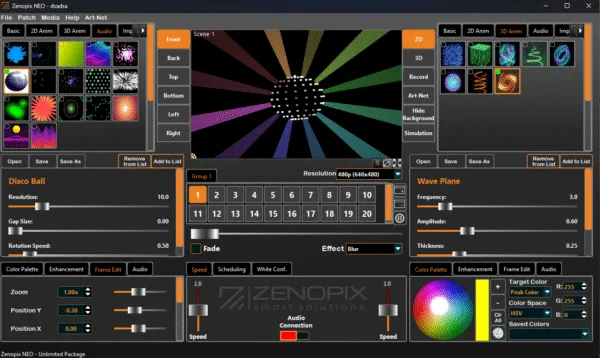
Shape the animation
A deep animation pool for 2D layouts, 3D designs, kinetic systems and audio-reactive setups, all adjustable with parameters.
03 · Simulate
See the result first
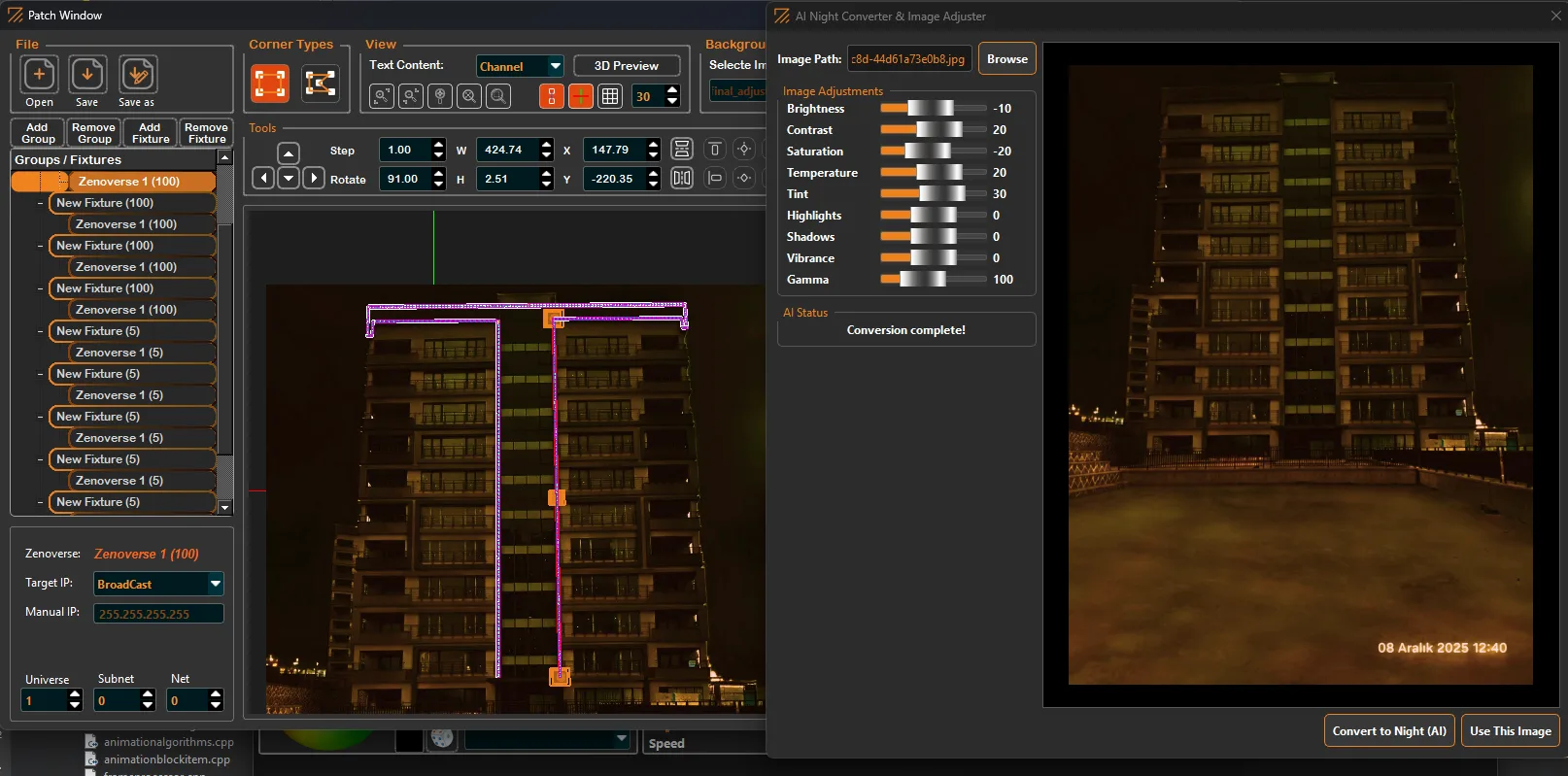
A render engine that uses real LED dimensions and optical behaviour shows the design before it is built. Simulations can be recorded as video. AI turns a photo of an existing building, or an architectural render, into a night scene to place your lighting on.
04 · Broadcast
Send it out live
Record and broadcast over Art-Net, and check every device with the device test module. Watch the output in real time on the 3D model.
From the program to the installation
Record it once. Play it every night.
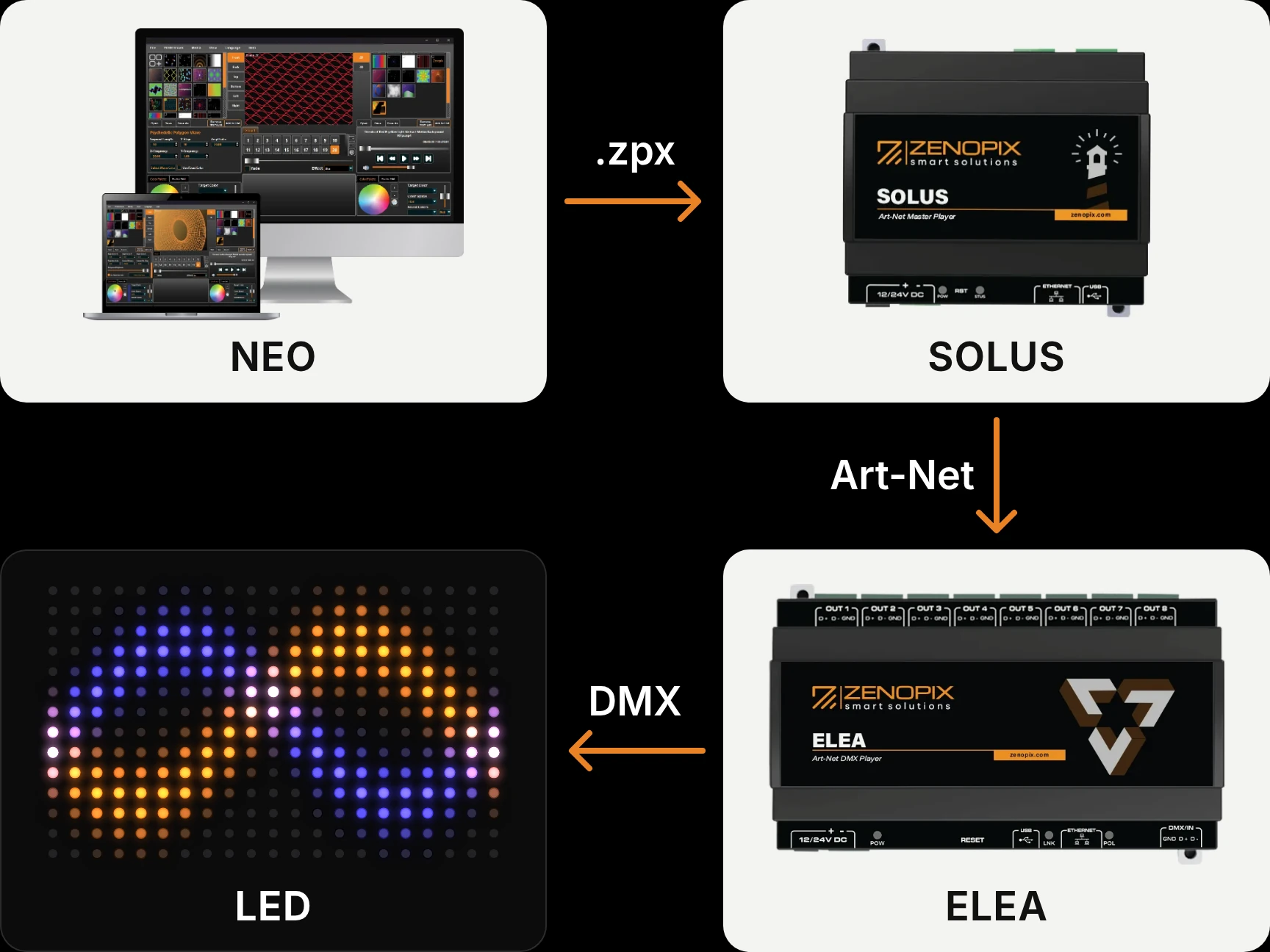
Record your NEO animations to a Solus master controller or Solus Touch Panel. Solus drives your Elea, Magus and Velox controllers over Art-Net and starts each show on schedule, with no computer on site.
Tutorials
Learn NEO step by step
Our tutorial videos walk you through Zenopix NEO, from the first patch to licensing. Watch them here or follow the full playlist on YouTube.
Free license
Start with 2 universes, free
A free license for 2 universes comes with Zenopix NEO. Licensing takes a few steps on your computer; the video shows how, and our team can help.
