
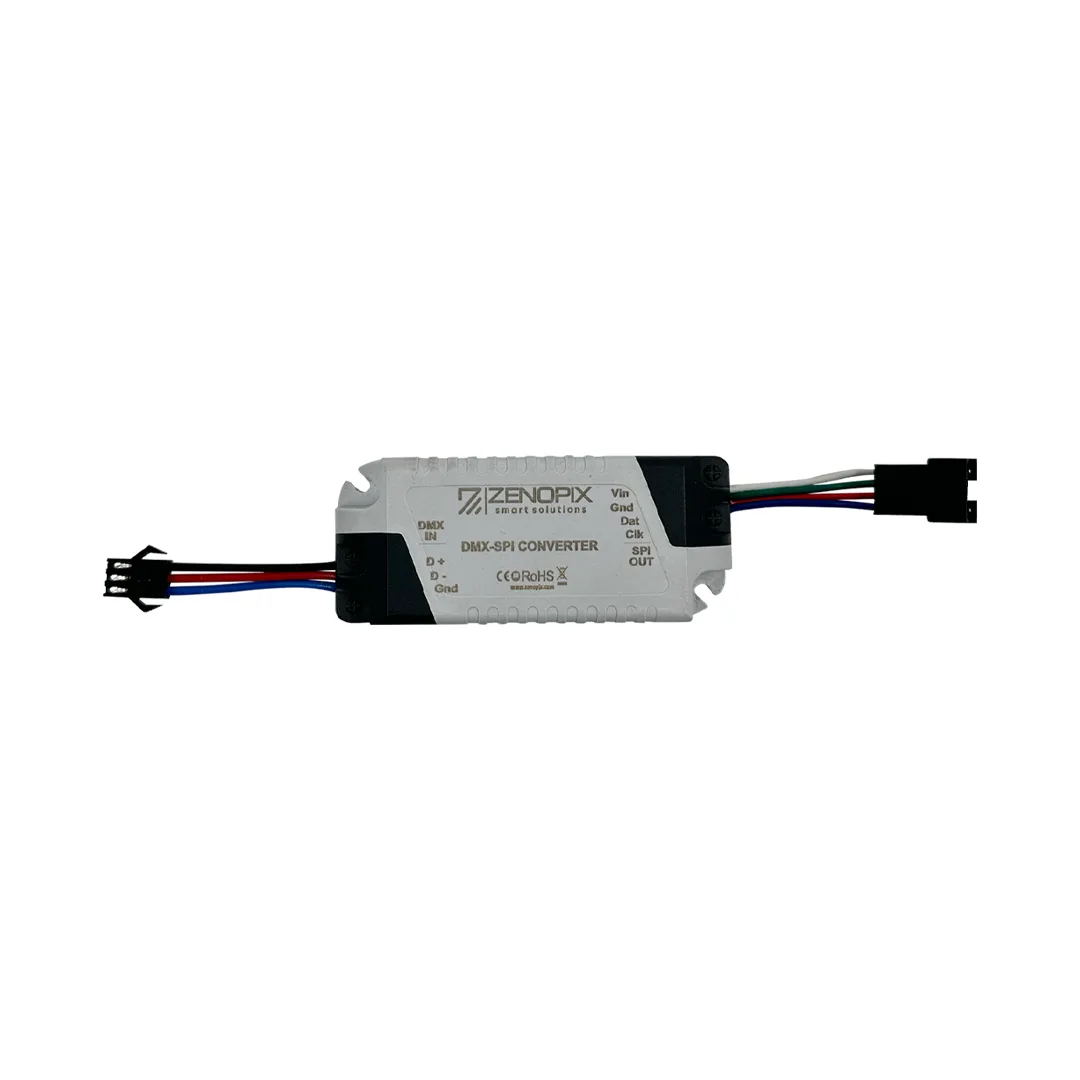
DMX-SPI Converter
Zenopix DMX-SPI Converter
DMX to SPI · 32 LED ICs · 1,024 channels · 12–24 V DC
The Zenopix DMX-SPI Converter converts DMX data into SPI signals for digital pixel LEDs. It supports 32 LED IC types and up to 1,024 channels, or about 340 RGB pixels. Addressed by DIP switch, the converter operates on 12–24 V DC and can also be used standalone, without a DMX console.
Highlights
- 32 pixel LED IC types
- Up to 1,024 channels, about 340 RGB pixels
- DIP switch addressing
- Standalone mode without a console
Documents
Pixel LEDs in your DMX system
The Zenopix DMX-SPI Converter is a signal converter that allows digital pixel LEDs to be integrated into DMX systems. It converts the DMX data received from a console or controller into the SPI signal used by pixel LED ICs. Pixel strips and modules can therefore be used as part of a standard DMX project.
Key Features of the DMX-SPI Converter
- DMX input, SPI output for digital pixel LEDs
- 32 supported LED IC types
- Up to 1,024 channels, about 340 RGB pixels
- DIP switch addressing, configured on the device
- Standalone mode: runs pixel strips without a DMX console
- Power input: 12–24 V DC with reverse polarity protection
- Screw terminal or solder connection options
Technical Specifications and Hardware Advantages
The converter's small size lets it fit inside fixtures, close to the LEDs it drives. Connections are made with screw terminals or, where space is tight, by soldering. Reverse polarity protection prevents failures from a wrongly connected supply.
Setup happens on the device itself: the DIP switches set the addressing, so no computer or software is needed on site.
Applications
The Zenopix DMX-SPI Converter brings pixel LEDs into DMX systems:
- Decorative facade lighting with pixel strips.
- Stage designs with digital RGB LEDs.
- Pixel effects in fixtures controlled from a DMX console.
- Small pixel installations running on their own without a console.
Technical Specifications
| Model | Zenopix DMX-SPI Converter |
| Product Type | DMX to SPI converter for digital pixel LEDs |
| Input Protocols | DMX |
| Output Protocol | SPI |
| Supported LED ICs | 32 IC types |
| Max. Channels | 1,024 (about 340 RGB pixels) |
| Configuration Method | DIP switches on the device |
| Standalone Mode | Yes, SPI control without a DMX console |
| Power Input | 12–24 V DC |
| Reverse Polarity Protection | Yes |
| Connections | Screw terminals or solder pads |
- Model
- Zenopix DMX-SPI Converter
- Product Type
- DMX to SPI converter for digital pixel LEDs
- Input Protocols
- DMX
- Output Protocol
- SPI
- Supported LED ICs
- 32 IC types
- Max. Channels
- 1,024 (about 340 RGB pixels)
- Configuration Method
- DIP switches on the device
- Standalone Mode
- Yes, SPI control without a DMX console
- Power Input
- 12–24 V DC
- Reverse Polarity Protection
- Yes
- Connections
- Screw terminals or solder pads
Installation and Software Integration
- Connect a 12–24 V DC supply to the power terminals.
- Wire the DMX line from your console or controller to the DMX input.
- Connect the SPI output to the pixel LED strip or module.
- Set the address with the DIP switches.
Keep the SPI line from the converter to the LEDs short, and use a common GND between the converter, the LEDs and their power supply. For pixel projects driven from Art-Net instead of DMX, see the Zenopix Velox.
Documents
User manual
Frequently Asked Questions
Related: Zenopix Velox.
