Zenopix NEO V2 Software
Discover Zenopix NEO V2 software with its unique features.
Country
City
Zenopix is the smart convergence point of hardware and software for LED manufacturers.
Zenopix is a technology company that delivers its expertise in lighting control unit development and field experience to LED manufacturers through a solution-partner approach. By combining hardware and software know-how, it develops efficient and reliable solutions in lighting control systems. In addition, with its LoRaWAN-based smart city solutions, Zenopix enables remote monitoring, energy efficiency, and sustainability in lighting and infrastructure management.
Advanced R&D Capability
It has hardware and software development capabilities for lighting control systems.
Art-Net, DMX, RDM, SPI
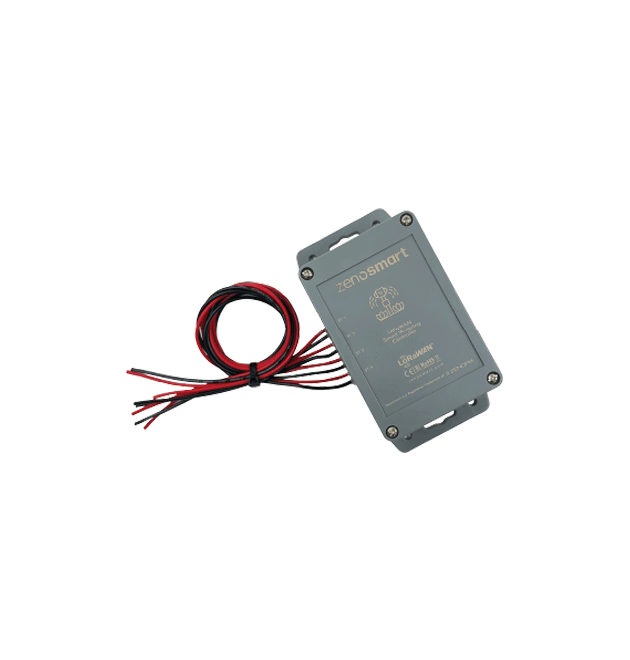
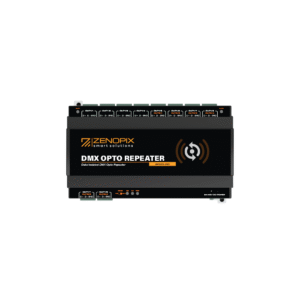
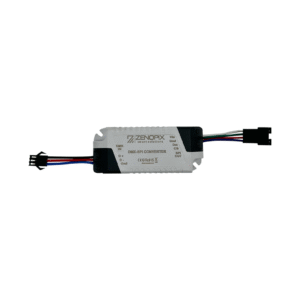
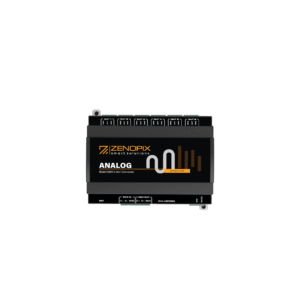
It offers controllers, converters, and master devices for professional projects.
Software-Based Control
It provides user-friendly software for pixel animation and RDM device management.
Flexible Project Support
With our customizable infrastructure, we provide full project support across all device types.
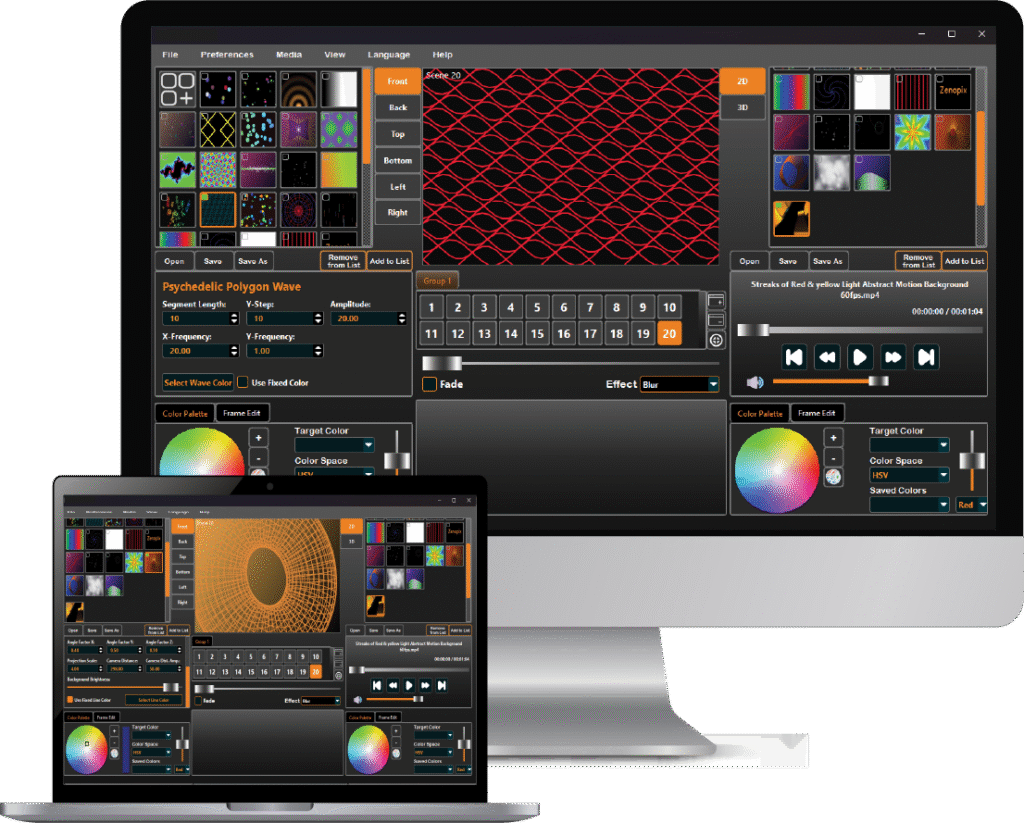
ArtNet control is now much easier with NEO V2.
Powered by modern technologies, Zenopix NEO combines ArtNet and DMX protocols in a user-friendly interface to deliver full control over your lighting architectures. Offering PC-based management convenience, NEO also enables you to store complex animations and digitally model your projects thanks to its flexible infrastructure.
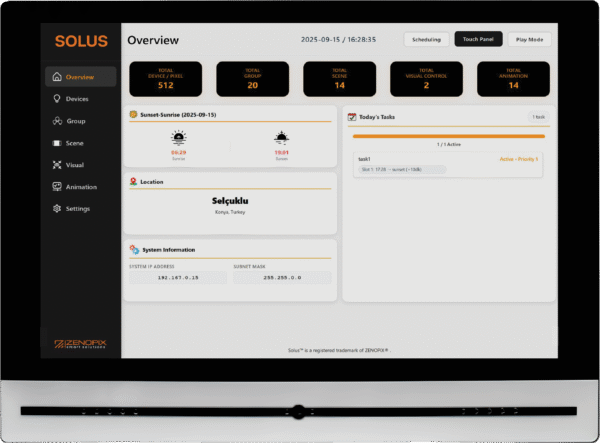
Solus Touch Panel ArtNet Master Controller
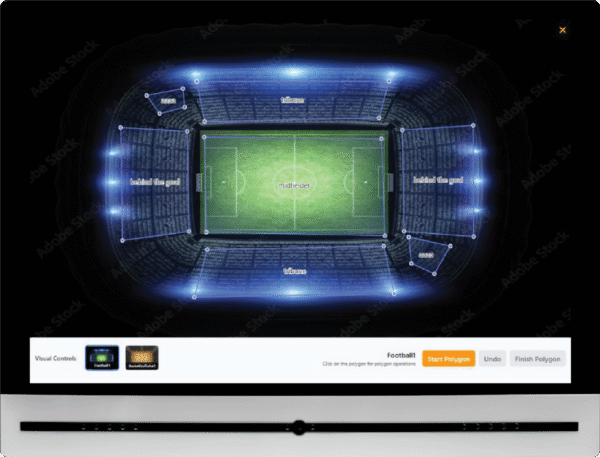
The Solus Touch Panel is a touch-based control center that enables real-time management of all devices and pixels through its visual interface. With Solus Touch Panel, you can visualize your projects and easily control your devices in real time, either individually or in groups.


Our References
Our references are a reflection of the projects we have successfully completed.
Astana Independence Palace
In this project, a 4-channel constant voltage Zenopix RDM/DMX decoder and a Zenopix RDM/DMX address programmer were used.
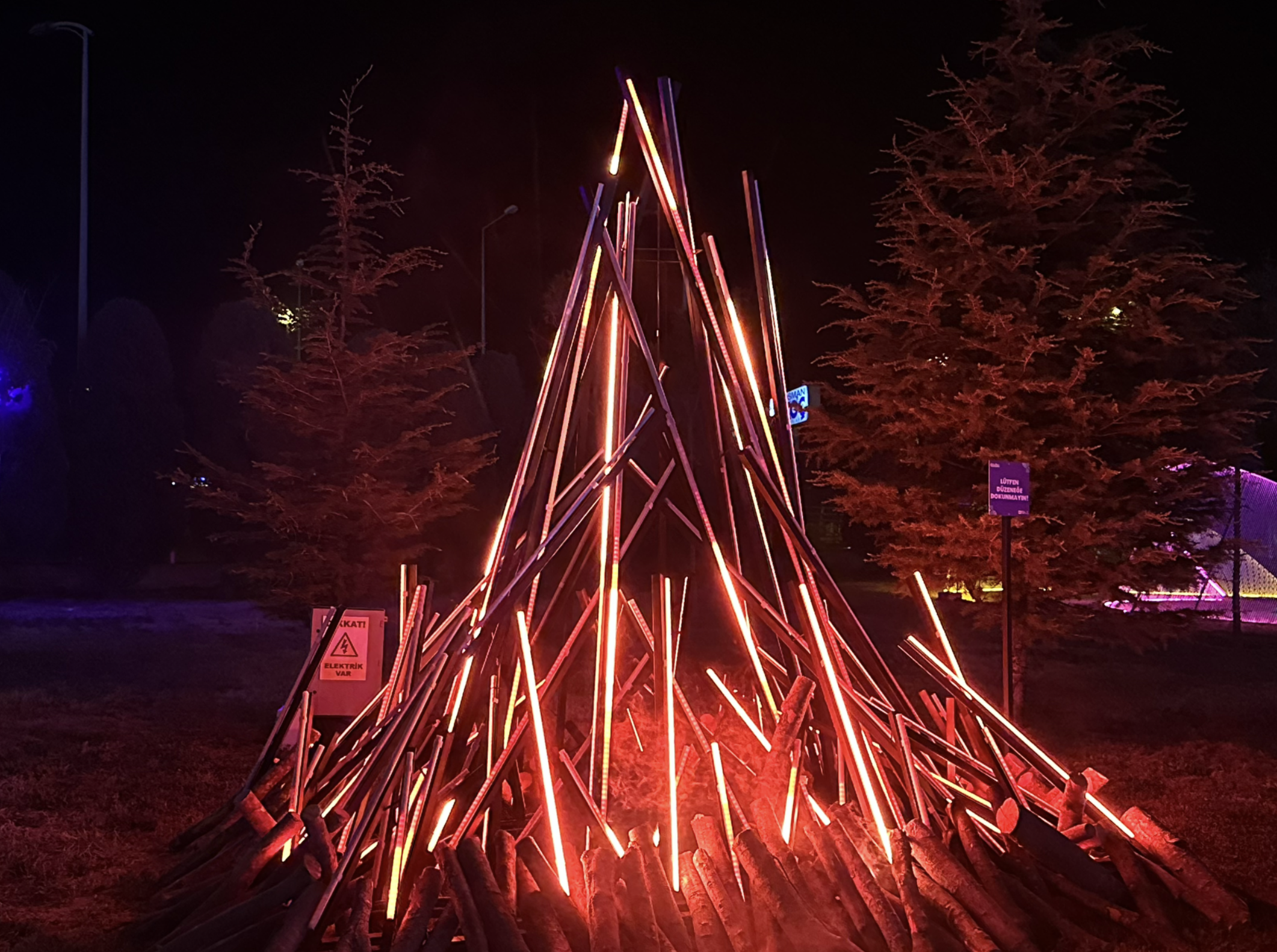
Science Festival Walkway
In this project, the Zenopix NEO software was used together with the Zenopix AER 8 DMX / SPI Master Controller.
Lucoil Iconic Stadium
In this project, a 4-channel constant voltage Zenopix RDM/DMX decoder and a Zenopix RDM/DMX address programmer were used.
Frequently Asked Questions About the NEO Software Audio Feature
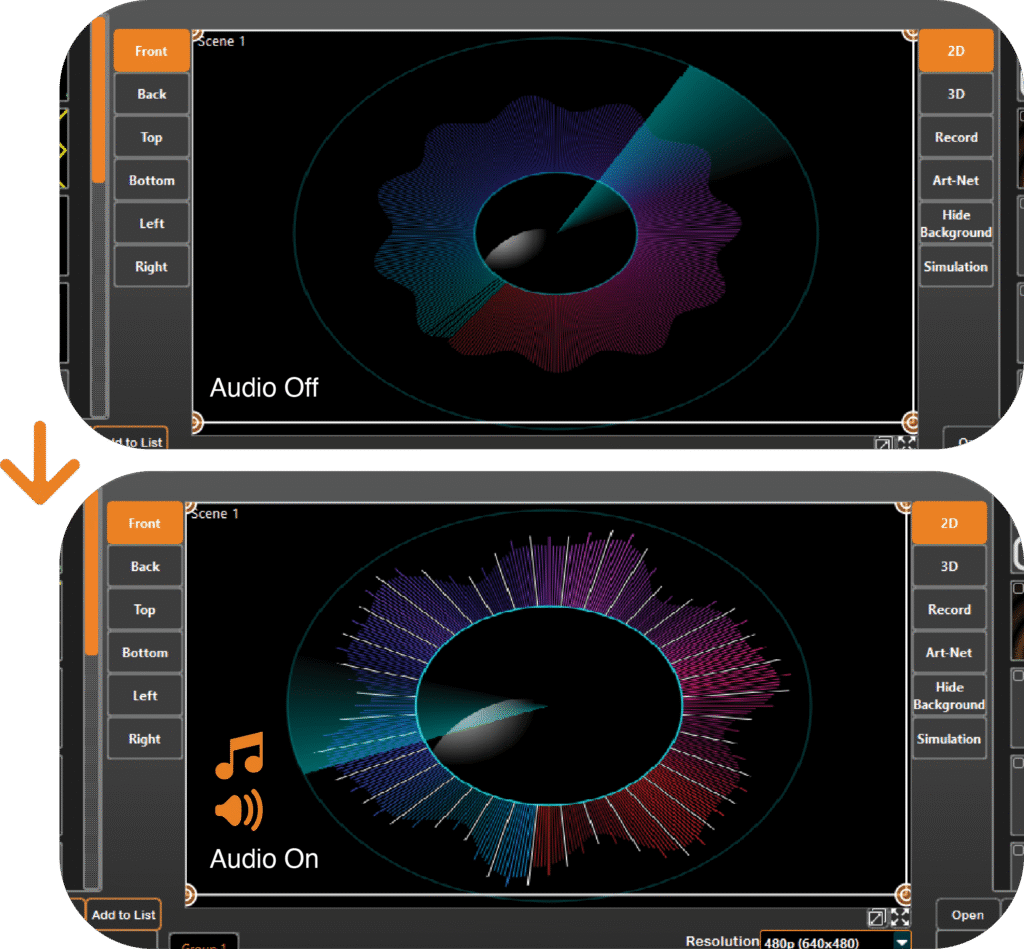
To activate the audio connection, simply click the switch located in the middle lower section of the main screen. Once enabled, the application listens to your computer’s audio and synchronizes animations with the sound.
In the customized integration for each animation, low, mid, and high sound frequency intensities are used. These values can be controlled from the “Audio” screens located in the bottom right and bottom left menus on the main screen, allowing you to adjust their impact on the animation.

As of version v2.1rv010, uploading and playing audio files is not supported. This feature has been planned and is currently in the integration phase. Until the new version is released, the audio feature is limited to desktop audio listening only.
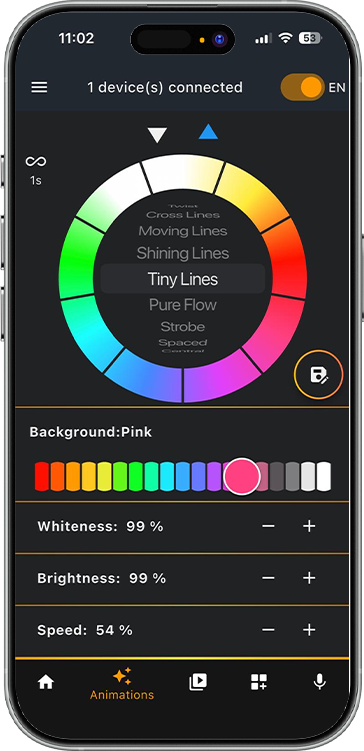
Zenopix Felix Application
Bluetooth BLE Connection & Device Management
- Zenopix LED devices wireless connection via Bluetooth Low Energy Scanning, discovering, and managing multiple devices Device configuration (name, MAC address, etc.)
Dynamic LED Animations
- 25 built-in animation algorithms for use on Zenopix devices Upload and play your own animation files (on devices with SD card support) Animation speed, repeat count, and loop control
Audio-Reactive Effects
- Real-time LED effects reacting to microphone input Phone microphone, device microphone, or AUX input options Precise control with sensitivity adjustment
Multi LED Mode Support
- RGBW, RGB, Tunable White (Adjustable Color Temperature), RGBWC and more Colored slider controls for each mode Brightness, color, and white level adjustment