


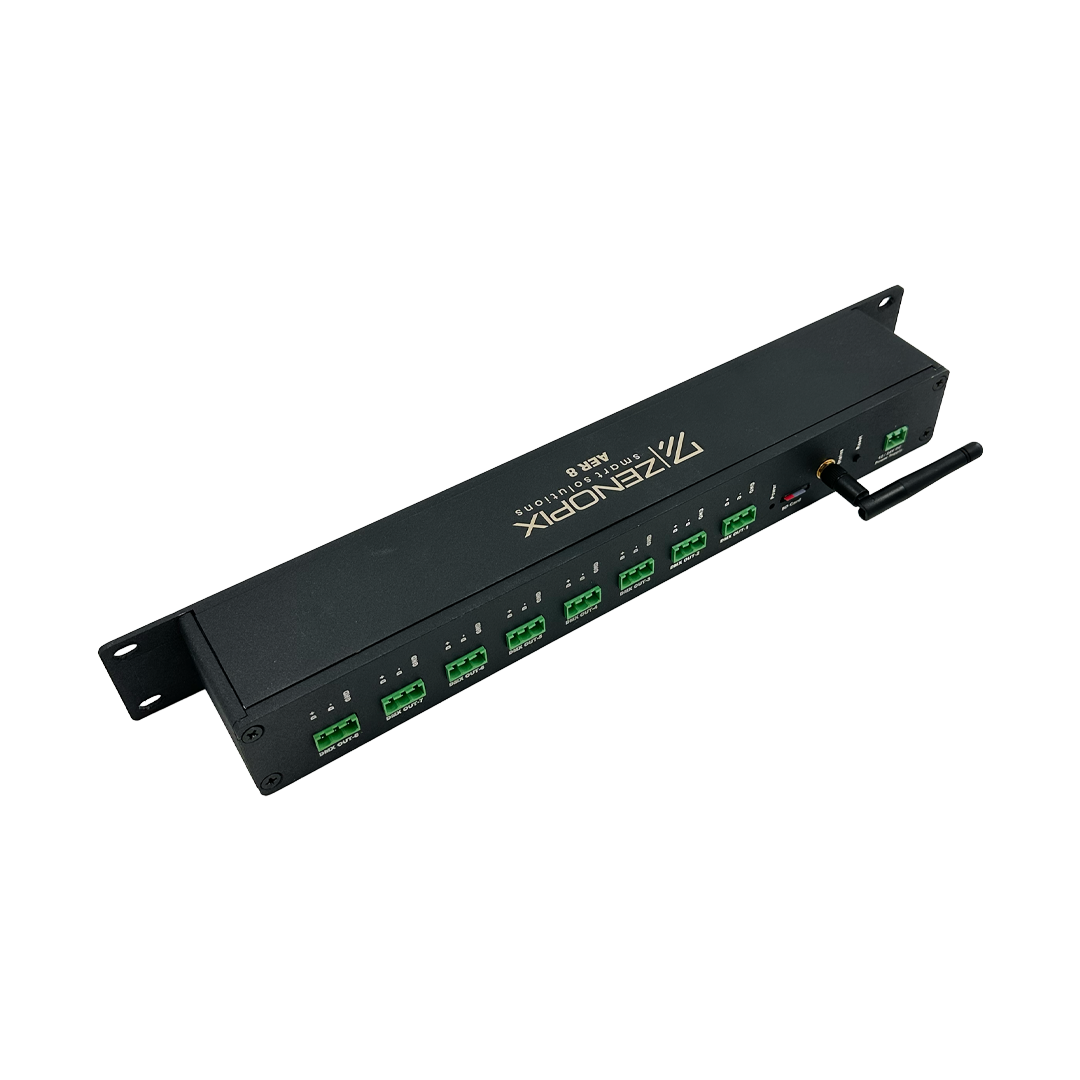
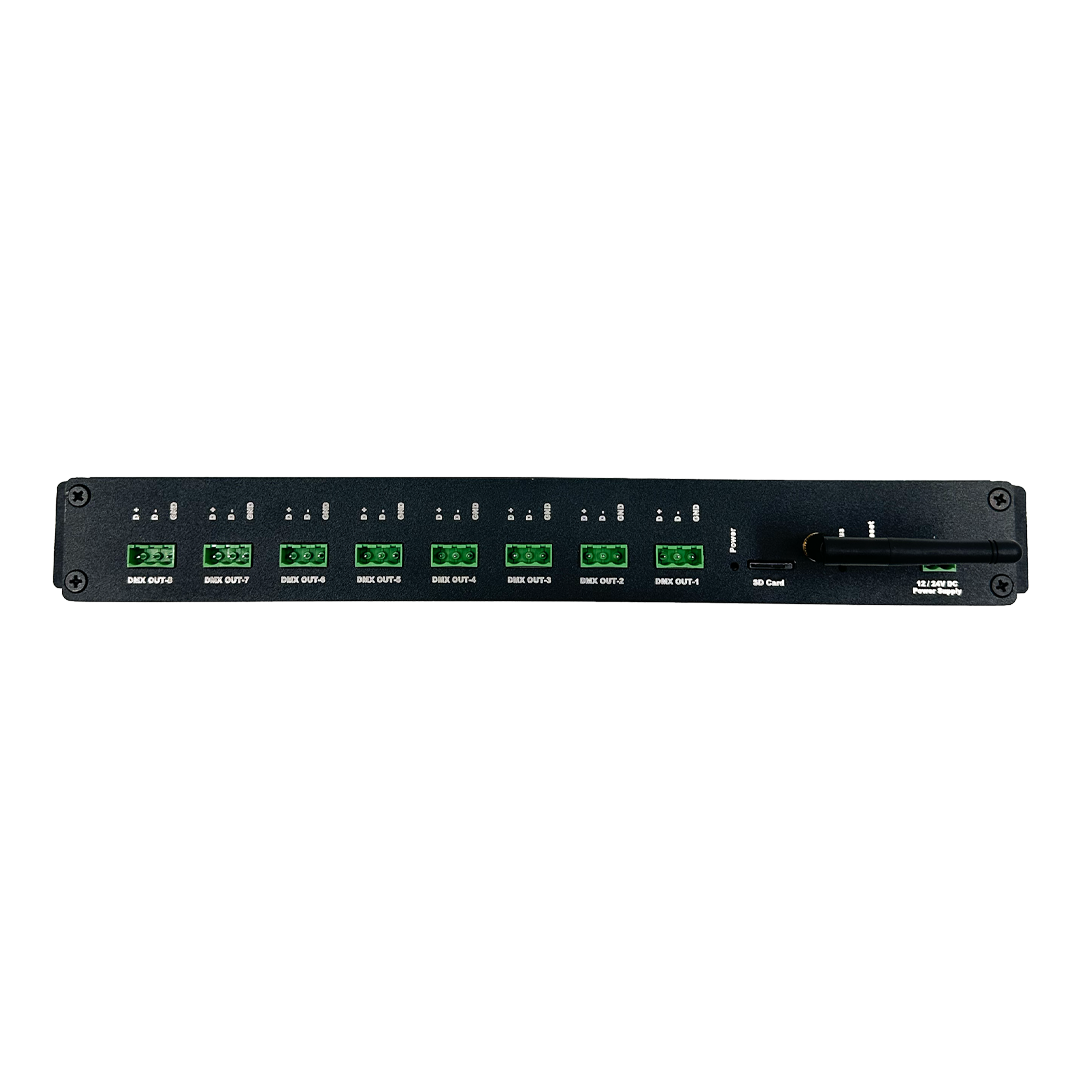
Zenopix Aer 8 TB DMX SPI Master Controller
Zenopix Aer features both Wi-Fi and SD card interfaces. Therefore, the device can use simultaneous DMX and SPI animations for playback and recording. It has screw terminal output ports for a total of 8 universes. These ports efficiently transmit DMX or SPI data to pixel receivers. This allows you to save animations created in Zenopix NEO software onto your SD card and produce real-time animations.
With the Zenopix Aer 8 TB and our Art-Net Recorder software, you can record animations using various applications such as Madrix, Resolume, Enttec Led Mapper, or our own Zenopix NEO software to save directly onto the micro SD card. This means no computer is needed on-site. You can upload previously recorded DMX and SPI animations to the device. The saved animations are assigned to predefined universes, enabling animation playback across 8 different universes with a single device. Recording animations is very simple, and the saved files can be transferred to the SD card or written directly via the device.
Additionally, Zenopix Aer offers a real-time Art-Net DMX/SPI player feature from a computer. However, this is an optional feature, not the primary function, and may be less effective in situations where Wi-Fi network speeds are reduced.
Zenopix Aer 8 TB:
-
Provides a Wi-Fi access interface
-
Offers Wi-Fi access point or station mode options
-
Simplifies management through a web-based interface
-
Supports Art-Net playback and recording
-
Allows animation playback via SD card
-
Enables LED testing for pre- and post-installation checks
-
Includes configuration options for Wi-Fi and Art-Net
- Product Features
- Product Videos
- Drawings
- Files
- FAQ
| Product Code | ZENOPIX AER 8 TB |
| Power Input | 12–24V DC Terminal Block or Adapter |
| Power Consumption | < 5 W (Under Normal Operating Conditions) |
| Network Protocol | Wi-Fi-based Art-Net Playback SD Card-based Playback |
| DMX512 / SPI | 8 x 1024 DMX/SPI Channel Output (Only DATA pin available for SPI) |
| Output Ports | 3-Pin, 5.08 Terminal Block |
| Network Connection Type | Wi-Fi |
| Status LEDs | 3x Status LEDs |
| Housing | Aluminum |
| Dimensions | 483 × 82.5 × 45 mm |
| Temperature and Humidity | |
| Operating Environment | 0°C – 55°C / 20% RH |
| Storage Environment | -25°C – 75°C / 70% RH |
| IP Protection Class | IP-20 |
| Mounting | Cabinet or Wall Mounting |
| Zenopix Aer Technical Document and User Manual | Download |
1. Question: Can I play animations on-site without a computer using Zenopix Aer?
Answer: Yes. You can save your animations to an SD card using Zenopix NEO software and play them in real-time across 8 different DMX and SPI universes directly on the device.
2. Question: Which software can I use to record animations for Zenopix Aer?
Answer: You can record animations using Art-Net Recorder, Madrix, Resolume, Enttec Led Mapper, or Zenopix NEO software and transfer them to the SD card.
3. Question: Can I perform real-time playback over Wi-Fi?
Answer: Yes, Zenopix Aer offers a real-time Art-Net DMX/SPI player feature. However, this is an optional feature and may not work effectively if Wi-Fi network speeds are reduced.